Introduction
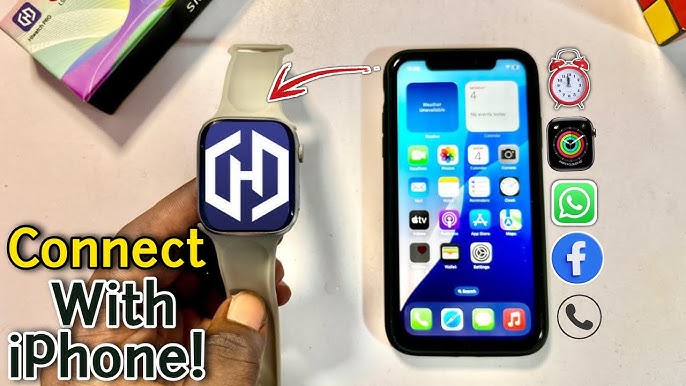
If your HiWatch Pro smartwatch is not connecting to your phone, you’re not alone. Many users experience connection issues when pairing their smartwatch for the first time.
This guide explains the most common reasons why HiWatch Pro fails to connect and how to fix the problem quickly.
1. Turn Bluetooth Off and On
The most common cause is a temporary Bluetooth glitch.
Steps:
- Open your phone settings
- Turn Bluetooth OFF
- Wait 10 seconds
- Turn Bluetooth ON again
Then reopen the HiWatch Pro app and try pairing again.
2. Restart Your Phone and Smartwatch
A quick restart often resolves connection issues.
Restart:
- your phone
- your smartwatch
Then try pairing again.
3. Make Sure the Watch Is Charged
Low battery can prevent pairing.
Ensure the smartwatch has at least 30% battery before connecting.
4. Allow All App Permissions
The **HiWatch Pro app needs several permissions:
- Bluetooth
- Location
- Notifications
Go to:
Phone Settings → Apps → HiWatch Pro → Permissions
Enable all permissions.
5. Remove Old Bluetooth Pairings
Sometimes the watch is already paired incorrectly.
Steps:
- Go to Bluetooth settings
- Remove the smartwatch
- Reconnect using the app
6. Update the App
Older versions of the app may cause connection problems.
Download the latest version here:
https://hiwatch.app
7. Reset the Smartwatch
If nothing works:
- Open watch settings
- Find Reset / Factory Reset
- Restart pairing
Conclusion
Connection problems with **HiWatch Pro are usually easy to fix. In most cases, restarting Bluetooth or updating the app will solve the issue.
If you haven’t installed the latest version yet, download it here:
https://hiwatch.app