One of the main reasons people buy a smartwatch is to receive notifications without constantly checking their phone.
However, many HiWatch Pro users report that WhatsApp, Facebook, Instagram, or Messenger notifications are not appearing on their watch.
This guide explains how to enable notifications correctly and fix common issues.
Download the Latest HiWatch Pro App
Before troubleshooting, make sure you’re using the latest version of the app.
You can download it from:
Step 1: Connect Your Watch Properly
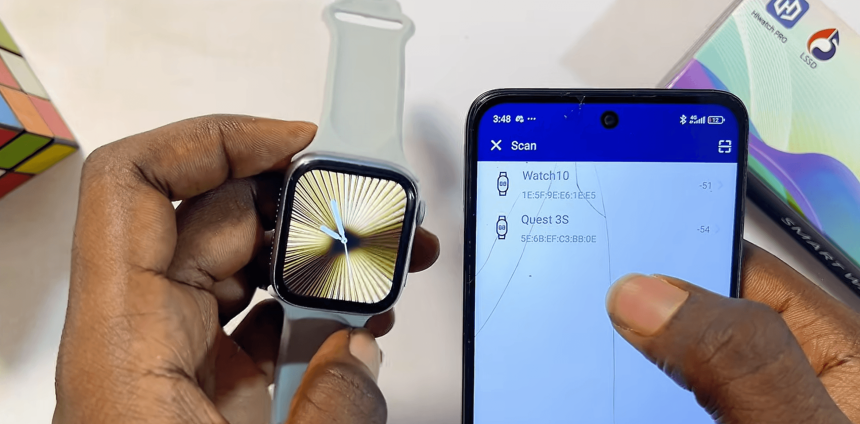
Notifications won’t work if the watch is not connected.
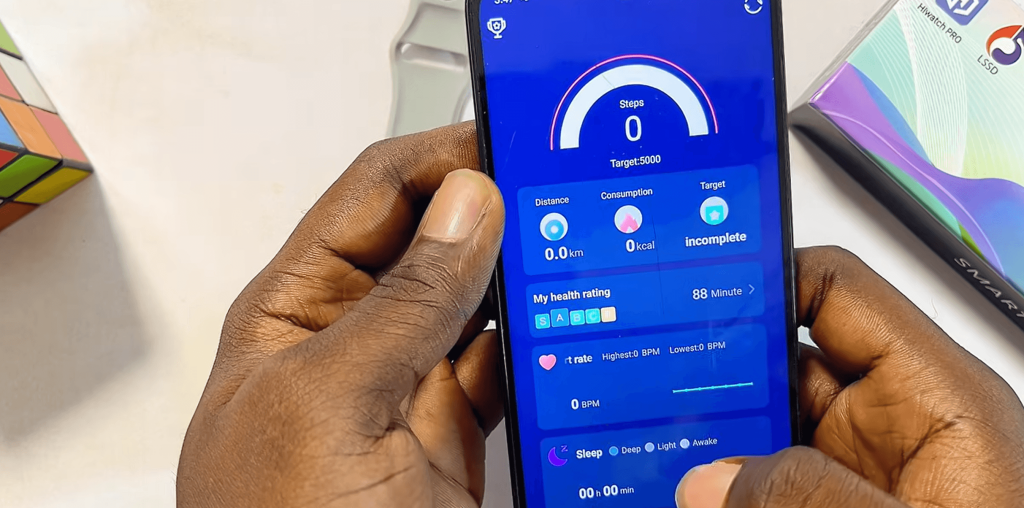
Open the HiWatch Pro app and verify that your watch shows as:
Connected
If not, reconnect the device first.
Step 2: Enable Notification Access
Inside the app:
- Open Push Notifications
- Tap Allow
- Grant Notification Access
This permission allows HiWatch Pro to read incoming notifications.
Without it, alerts cannot be delivered.
Step 3: Select Apps to Sync
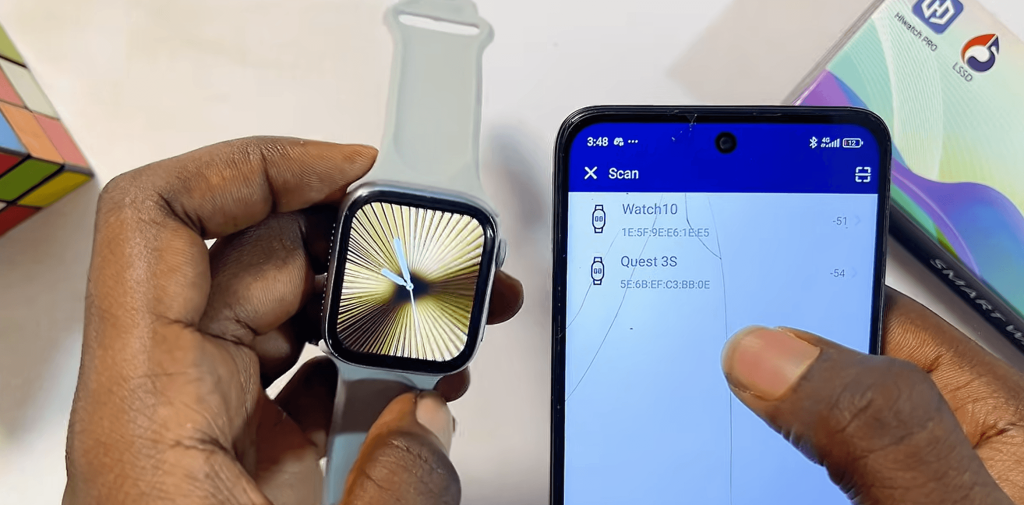
After enabling access, choose which apps should send notifications.
Recommended apps:
- Messenger
- Telegram
- Gmail
Turn on the toggle switch for each app.
Step 4: Disable Battery Optimization
Some Android phones automatically stop background services.
To prevent this:
- Open Phone Settings
- Battery
- App Management
- Find HiWatch Pro
- Disable Battery Optimization
This helps keep notifications working consistently.
Step 5: Allow Background Activity
Ensure HiWatch Pro can run in the background.
If the system closes the app, notifications may stop arriving.
Common Notification Problems
WhatsApp Notifications Not Working
Check:
- Notification Access enabled
- WhatsApp notifications enabled
- Bluetooth connected
Facebook Notifications Missing
Verify Facebook notifications are enabled on your phone first.
Notifications Arrive Late
Disable power-saving mode on both the phone and watch.
Conclusion
Most notification issues are caused by missing permissions or battery restrictions.
Once configured correctly, HiWatch Pro can receive WhatsApp, Facebook, Instagram, and other social media alerts instantly.
Need more HiWatch Pro guides?
Visit:
for additional tutorials and troubleshooting articles.